
Good design doesn’t always start with expensive software or years of professional experience.Sometimes, it starts with a simple idea and the right tool to bring that idea to life.Whether you’re creating a social media post, designing a website, building a presentation, editing photos, creating a logo, or working on a complete brand identity, the right design tools can make the process faster and much easier.
The design world has also changed significantly. Designers now have access to browser-based editors, collaborative platforms, AI-powered features, image editors, UI/UX tools, animation software, and tools designed specifically for quick content creation.But having hundreds of options can create a different problem: Which design tool should you actually use?
The answer depends on what you’re trying to create.This guide explores some of the best design tool categories for creators and designers, along with practical tips for choosing tools that fit your workflow.
Why Design Tools Matter
A good design tool does more than give you buttons and templates.
It can help you turn an idea into something people can actually see, understand, and interact with.
The right tool can help you:
- Create designs faster
- Keep your projects organized
- Maintain consistent branding
- Experiment with different ideas
- Collaborate with other people
- Edit images and graphics
- Build website and app interfaces
- Create presentations and social content
- Reduce repetitive work
The goal isn’t to use every popular design application.
It’s to find tools that solve the problems you face regularly.
Canva for Quick and Easy Designs
When people think about easy online design, Canva is often one of the first tools that comes to mind.
It is useful for creators who need to produce designs quickly without spending a lot of time learning complicated software.
You can use it for social media graphics, presentations, posters, thumbnails, invitations, documents, and many other types of content.
One of its biggest advantages is the template-based workflow. Instead of starting with a blank page every time, you can start with an existing layout and customize it.
For content creators and small businesses, that can save a considerable amount of time.
Adobe Photoshop for Advanced Image Editing

Photoshop remains an important tool for professional image editing and graphic design.
It gives designers much more control over images than basic online editors.
You can work with layers, masks, selections, effects, retouching tools, typography, and detailed adjustments.
Photoshop is particularly useful when a project requires precision.
For example, if you’re creating a detailed promotional image or editing a photograph where individual elements need to be changed, advanced editing software can make a huge difference.
The learning curve is higher than simpler design tools, but the creative control is also much greater.
Figma for UI and UX Design
For website and app interface design, Figma has become an important part of many modern design workflows.
Its browser-based approach makes collaboration simple. Multiple people can work on the same project, leave comments, review changes, and share designs without constantly sending files back and forth.
Figma is useful for creating:
- Website layouts
- Mobile app interfaces
- Wireframes
- Prototypes
- Design systems
- User flows
It is also helpful when designers need to work closely with developers or product teams.
Adobe Express for Fast Creative Content
Not every project needs a full professional design workflow.
Sometimes you simply need to create a social post, promotional graphic, short video, or visual announcement quickly.
That’s where lightweight design platforms can be useful.
Adobe Express provides templates and simple editing features that can help creators produce visual content without opening a more advanced application.
For marketers and social media creators who need frequent content, speed can be just as important as advanced controls.
Procreate for Digital Illustration
For artists who work on an iPad, Procreate is a popular option for digital drawing and illustration.
It feels closer to a digital sketchbook than a traditional desktop design application.
You can sketch ideas, create detailed illustrations, experiment with brushes, and build artwork through layers.
It can be particularly useful for illustrators, concept artists, lettering artists, and creators who prefer drawing directly with a stylus.
Photopea for Browser-Based Editing
Sometimes you don’t want to install software just to make a quick edit.
Browser-based editors can be useful in those situations.
Photopea provides an interface that will feel familiar to people who have experience with professional image-editing software.
It can be helpful for quick image manipulation, graphic design tasks, and editing files in a browser.
For students, freelancers, and people using shared computers, having a capable browser-based option can be extremely convenient.
Framer for Modern Website Design
Designing a website isn’t only about making it look attractive.
You also need to think about layout, responsiveness, interactions, typography, and how users move through the site.
Framer combines website design with tools for creating and publishing modern websites.
It’s useful for designers who want more control over the visual side of a website while keeping the process relatively streamlined.
Blender for 3D Design
Design isn’t limited to flat images anymore.
Three-dimensional content is used in advertising, gaming, product visualization, animation, architecture, social media, and digital art.
Blender is a powerful 3D creation platform that supports modeling, animation, rendering, simulation, and more.
It can look intimidating when you first open it, but beginners can start with simple projects such as basic objects, lighting experiments, or short animations.
You don’t need to learn everything at once.
AI Design Tools Are Changing Creative Work
AI has become one of the biggest developments in the design industry.
Modern AI-powered design features can help with tasks such as:
- Generating visual concepts
- Removing backgrounds
- Expanding images
- Creating variations
- Generating layouts
- Editing objects
- Producing text suggestions
- Creating quick visual ideas
The biggest benefit is speed.
Instead of spending twenty minutes creating a rough concept manually, you may be able to generate several starting points and then refine the one you like.
But AI doesn’t eliminate the need for design skills.
Someone still needs to decide whether the result actually looks good, communicates the right message, and fits the brand.
Design Tools for Social Media Creators
Social media has created an entirely different design workflow.
A creator might need a thumbnail in the morning, an Instagram post in the afternoon, and a short video graphic later that day.
Speed matters.
For this type of work, simple template-based tools can be extremely useful.
Create a consistent set of fonts, colors, layouts, and graphic elements once, then reuse them across future content.
That makes your content faster to produce while also making your visual identity easier to recognize.
How to Choose the Right Design Tool
With so many options available, choosing a design tool can feel harder than actually using one.
Start by asking what you need to create.
For Social Media Content
Look for templates, resizing features, brand controls, and quick editing.
For UI/UX Design
Look for prototyping, components, collaboration, design systems, and developer handoff features.
For Photo Editing
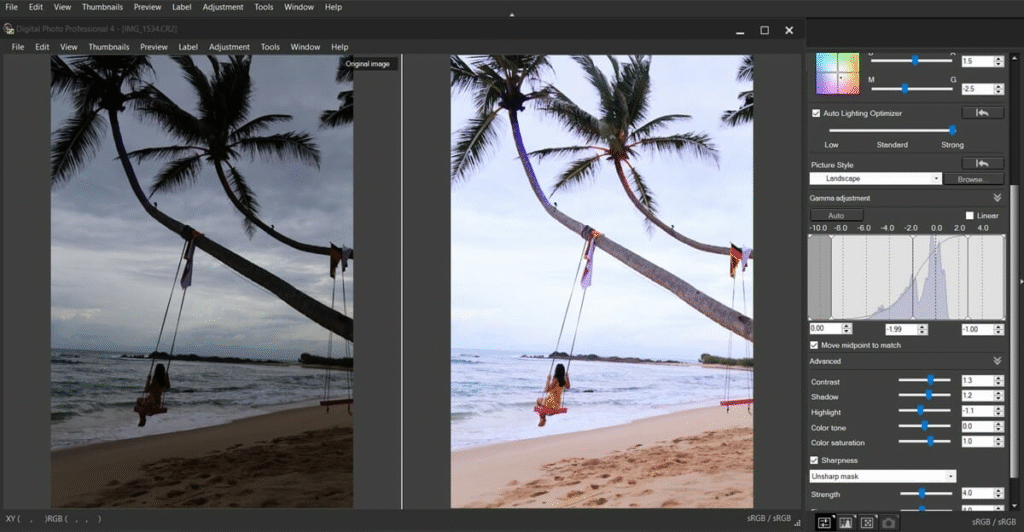
Look for layers, masks, retouching, color correction, and advanced editing controls.
For Illustration
Look for brushes, vector controls, drawing support, and strong layer management.
For 3D Design
Look for modeling, rendering, animation, lighting, and material tools.
For Beginners
Choose something with a gentle learning curve.
There is no benefit in using extremely complicated software if you only need to make a simple social media graphic.
Don’t Use Too Many Design Tools
One of the easiest mistakes creators make is collecting software instead of building skills.You might have five image editors, three presentation tools, four AI generators, and several design apps—but still spend hours deciding which one to open.A better approach is to create a small design toolkit.
For example:
One quick design tool for everyday graphics.
One advanced editor for complex projects.
One UI/UX tool if you design websites or apps.
One illustration or 3D tool if your work requires it.
One AI tool for creative assistance.
That’s often enough.
Design Skills Matter More Than Software
A great designer can create something useful with a basic tool.
A beginner can download the most expensive design software available and still produce a confusing design.
Why?
Because software gives you capabilities. It doesn’t automatically give you good design judgment.
Learn the basics:
Typography
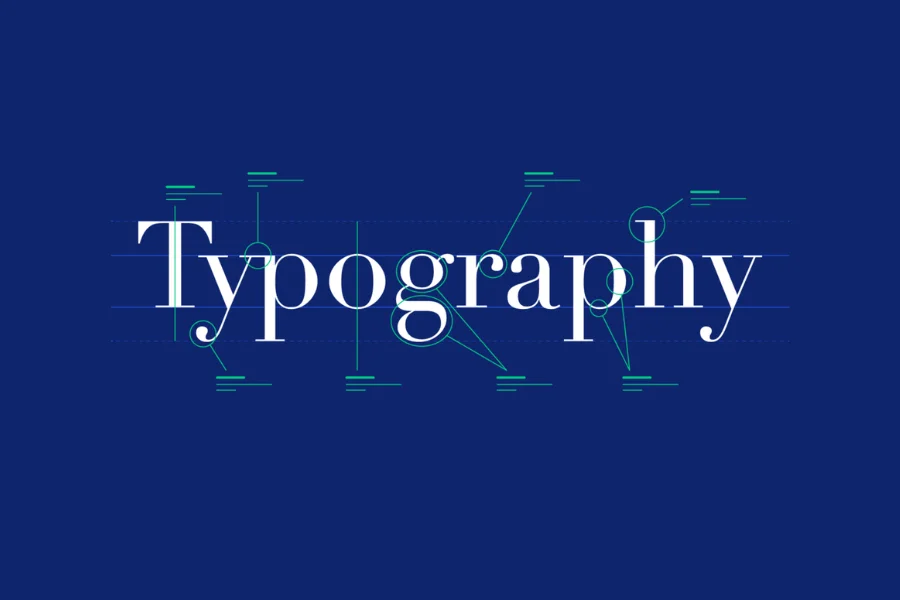
Choose fonts that are readable and appropriate for the project.
Color
Use color to create hierarchy and communicate mood rather than simply adding as many colors as possible.
Spacing
Give elements enough room so the design doesn’t feel crowded.
Alignment
Keep related elements visually connected.
Contrast
Make important information easy to notice.
Hierarchy
Help viewers understand what they should look at first, second, and third.
These principles work regardless of which design software you use.
Design Trends Creators Should Watch in 2026
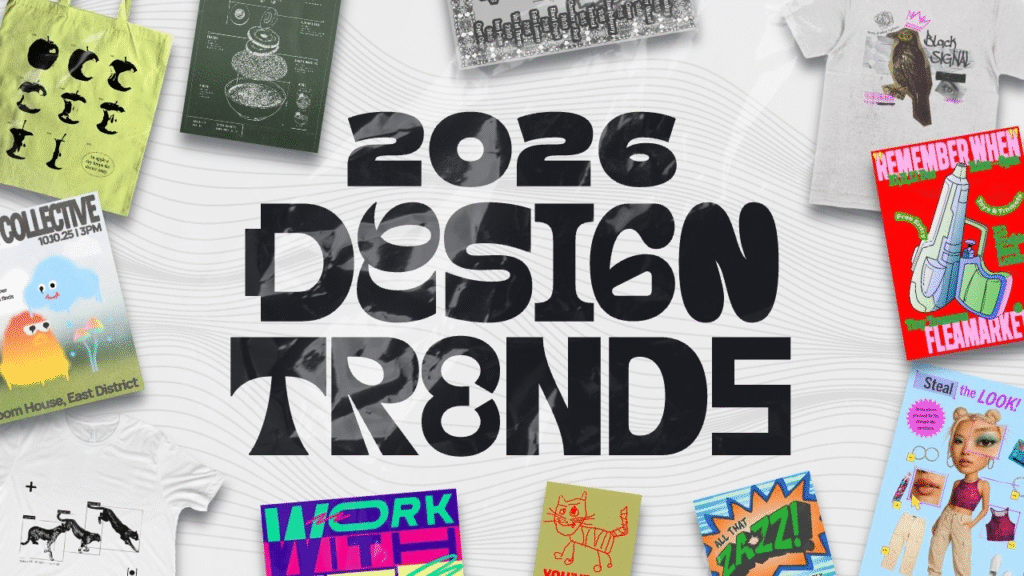
Design trends continue to evolve, but not every trend needs to become part of your work.
Some noticeable directions include:
- AI-assisted design
- More personalized visual content
- Motion and interactive graphics
- 3D visuals
- Bold typography
- Minimal but expressive layouts
- More accessible design
- Short-form visual storytelling
- Flexible design systems
- Faster browser-based workflows
The important thing is to use trends when they support your message.
A design doesn’t become better simply because it uses the latest visual style.
How AI and Human Creativity Can Work Together
AI can generate options quickly, but human creativity still matters.
A useful workflow can look like this:
Idea → AI-assisted concepts → Human selection → Editing → Design refinement → Final result
Instead of accepting the first AI-generated result, treat it as a starting point.
Change the composition. Fix the typography. Adjust the colors. Remove unnecessary elements. Make it feel like your own work.
That’s where human design judgment becomes valuable.
Tips for Creating Better Designs
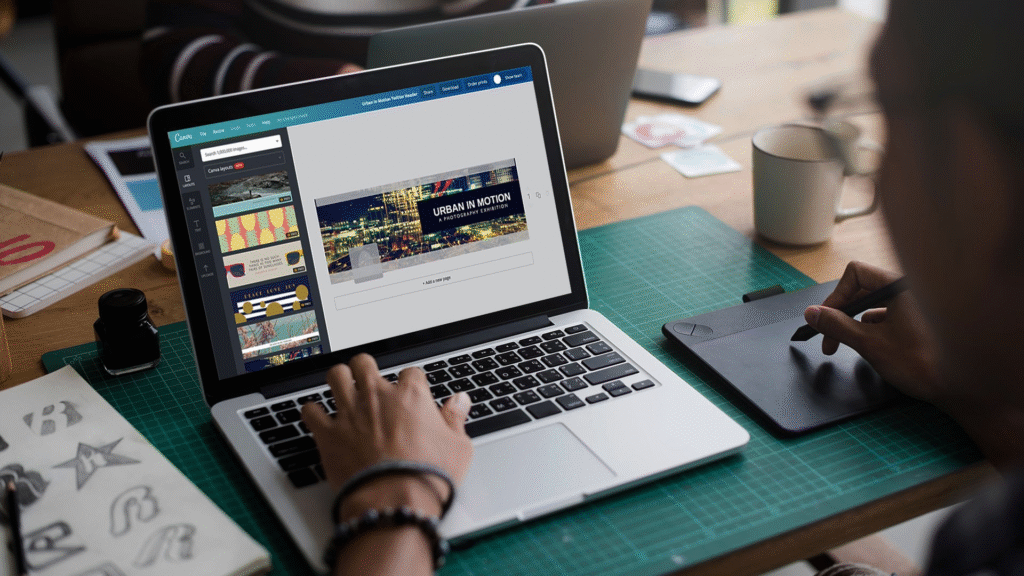
You can improve your designs without learning another software application.Start by simplifying.Remove elements that don’t contribute to the message.Use consistent spacing.Limit the number of fonts.Choose a clear visual hierarchy.
Check your design on different screen sizes.And before publishing, ask someone who hasn’t seen the project before to look at it.If they immediately understand the message, you’re probably on the right track.If they ask, “What am I supposed to look at?” the design may need another round of refinement.
FAQ’S
1. What are the best design tools for creators?
Canva, Photoshop, Illustrator, Figma, Procreate, and Blender are popular options for different creative needs.
2. What is the best design tool for beginners?
Canva is a beginner-friendly choice for creating social media posts, presentations, graphics, and other visual content.
3. What are the best free design tools?
Inkscape, Photopea, Blender, and Canva’s free version offer useful design features without requiring expensive software.
4. Which design tools are best for UI/UX design?
Figma and Sketch are commonly used for creating website and app interfaces, prototypes, and design systems.
5. How are AI design tools changing creative work?
AI tools can help generate ideas, create variations, edit images, remove backgrounds, and speed up repetitive design tasks.