
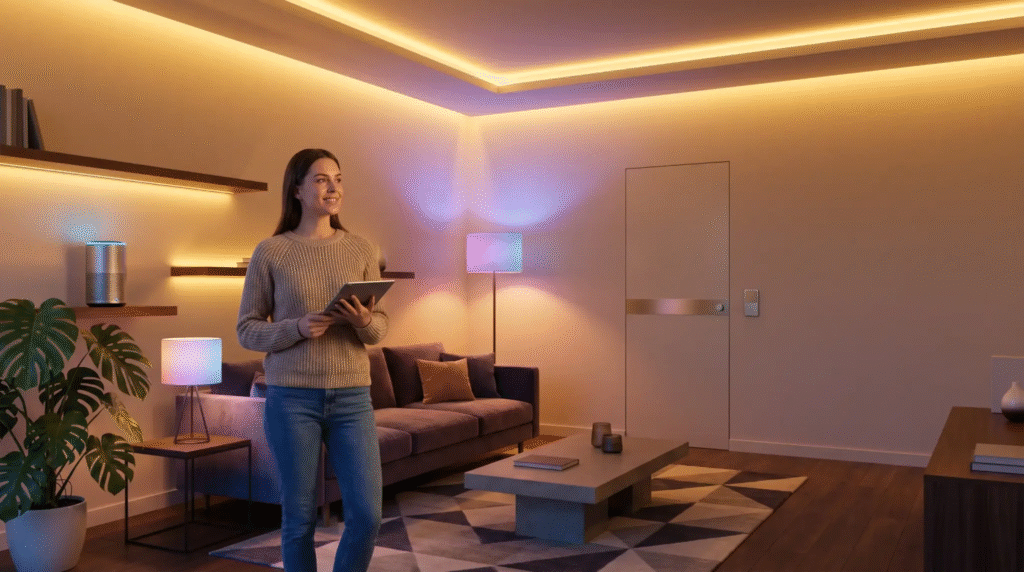
A smart home does not have to begin with a full installation, building works and weeks of disruption. For most homes the most useful first step is much more concrete: making the accesses you use every day smarter — the driveway gate, the garage, the front door, the padlock on the shed.
If you are starting from scratch, the right question is not “which smart-home system should I install?” but “which problem do I want to solve first?”. Do you want to open the gate with your phone? Do you want to give temporary access to a family member, a guest or a contractor? Do you want to control the front door without replacing the whole lock? In all of those cases the 1Control ecosystem lets you start in a modular way, without changing the gate controller, pulling cables or locking yourself into a single installation.
What “smart home” really means — in plain terms
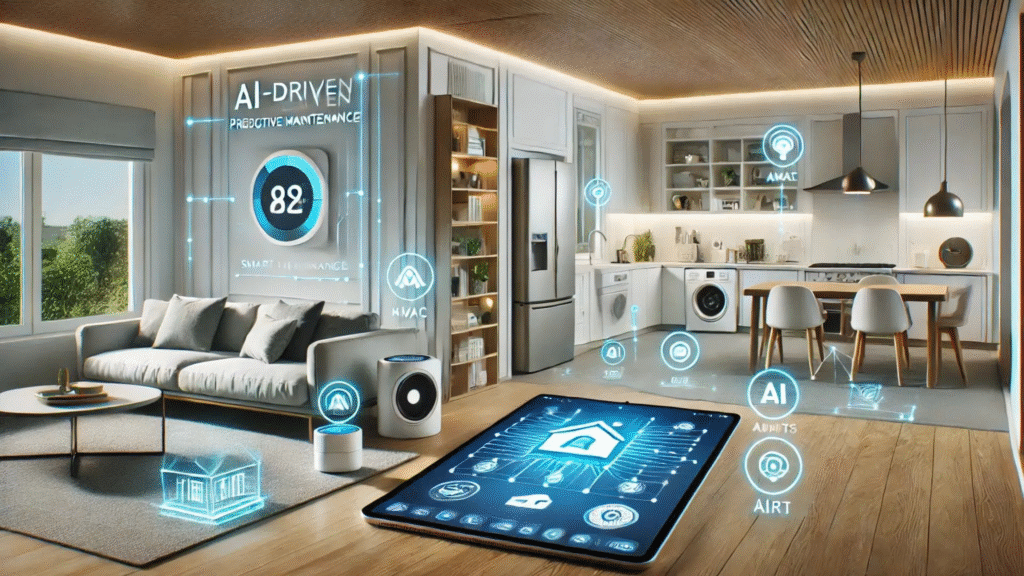
In everyday language, “smart home” gets used for anything that can be controlled from a phone or that behaves automatically. In a stricter sense, traditional home automation is a structured installation: a central controller, cabling, scenes, technical configuration and often a project planned before or during a renovation.
A modern smart home is far more modular. It does not start from the wiring; it starts from the devices: a smart gate opener, a smart lock, a hub for remote control, a PIN keypad, a Bluetooth padlock. Each element solves one specific problem and can be added when it is actually needed.
For a beginner this distinction matters. If you are renovating a house from scratch and you want to integrate lighting, climate, blinds, alarm and complex scenes, a full home-automation system can make sense. If you simply want to improve how you enter your home, your garage or a short-let property, starting with dedicated smart devices is faster, less invasive and much easier to manage.
Padlocks, keypads and shared access — the small upgrades that matter
Once the gate and the front door are smart, a beginner smart home can extend to secondary accesses. One example is 1Control LOCO, a Bluetooth smart padlock recharged over USB-C, well suited to bikes, scooters, lockers, cellars and shared spaces. It opens from the app and lets you manage who can use it without duplicating physical keys. A single full charge is good for hundreds of openings.
Another common case is access by PIN code. 1Control PAD is a wireless smart keypad that can drive gates, garages, overhead doors and barriers via a secret code. It is the right tool when you do not want to force everyone to use a smartphone: occasional guests, contractors, older relatives or shared building accesses often prefer a simple PIN.
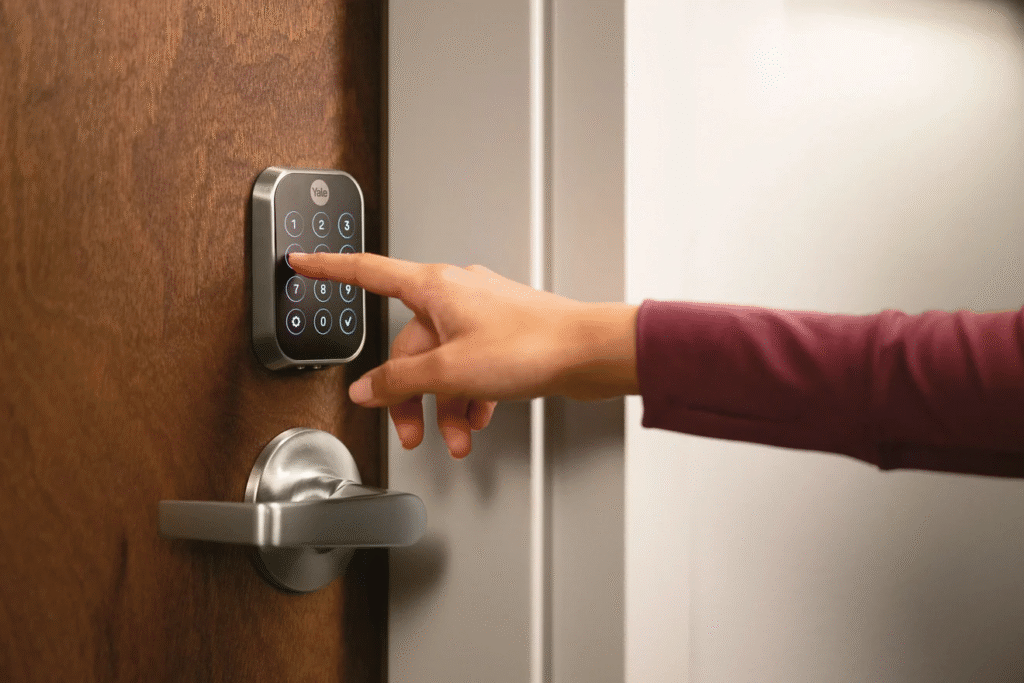
The thread running across the 1Control ecosystem is user management. From the app the administrator can create free shares to other people, setting start date, expiry and time windows. This is what turns a smart home from a “gadget” into a real tool: it is not only about opening with your phone, it is about deciding who can enter, when, and from which access.
When to add remote control with LINK
Not everyone needs remote control from the start. If you open the gate only when you arrive in front of it, or the door only when you are already on the doorstep, local Bluetooth is enough. Remote control over the internet becomes relevant when you need to open from far away: parcel deliveries, short-let guests, family members without keys, technicians, suppliers, or business accesses.
1Control LINK is the bridge between your home or office network and the 1Control devices. It connects to the internet over Wi-Fi 2.4 GHz or wired Ethernet, then talks to SOLO, DORY and LOCO over Bluetooth Low Energy. This detail is important: LINK is not a Wi-Fi device on its own and does not turn your accessories into Wi-Fi-only products. It adds an optional remote layer on top of the local Bluetooth behaviour, without replacing it.
With LINK you can open from far away and use integrations such as Amazon Alexa, Google Home, Siri Shortcuts, Apple CarPlay and Android Auto where supported. Before installing it, two conditions are worth checking: a stable network in the spot where LINK will sit, and a reasonable distance to the 1Control devices — typically within about 25 metres in clear line of sight, less when walls and obstacles get in the way.
Best Budget Smart Home Devices for Beginners
Here’s a starter kit that won’t hurt your wallet: Mi Smart Bulb (Rs. 799), Amazon Echo Dot 5th Gen (Rs. 5,499), TP-Link Tapo Camera (Rs. 2,499), and Wipro Smart Plug (Rs. 999). Under Rs. 8,000 total, and you’ve got a working smart home controller setup that’s actually impressive.
The best smart home devices aren’t always the most expensive ones: they’re the ones that just work reliably, every single day.
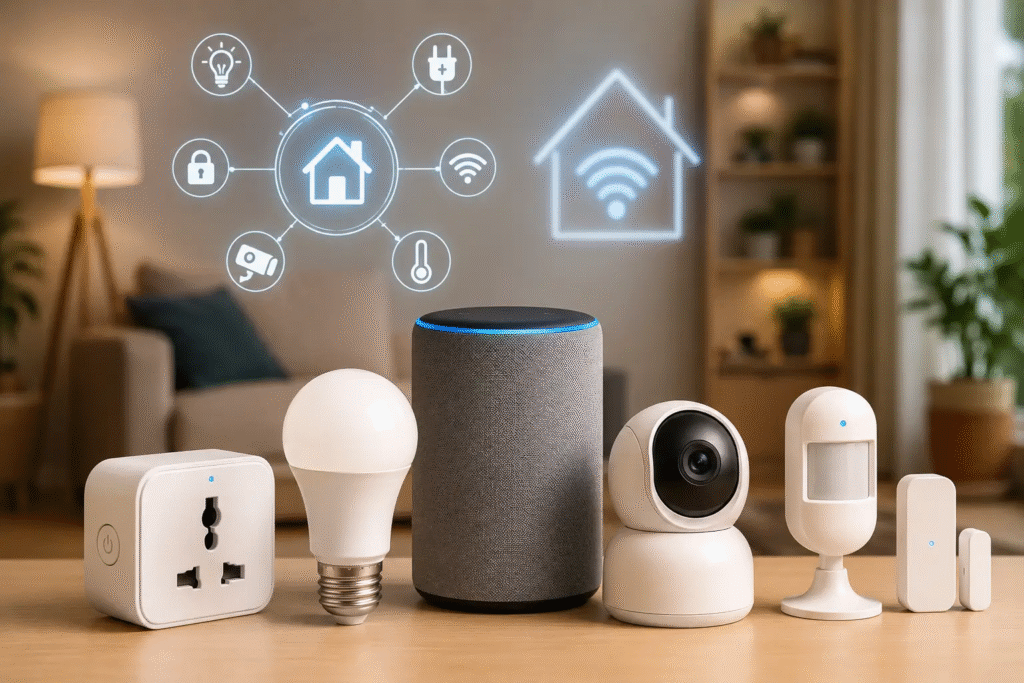
Smart home automation doesn’t have to be complicated. Set your geyser to switch on 15 minutes before your alarm goes off. Auto-lock the front door at 11 PM. Program your AC to turn off when no motion is detected in a room for 30 minutes.
These aren’t flashy. But they save energy, reduce effort, and once you’ve lived with them, going back feels weird.
Quick comparison: which access to make smart first
The table below helps you choose the first step based on the real need, without buying devices you will not use.
| Need | 1Control solution | Why start here |
| Open gate or garage from a smartphone | SOLO | No cabling, works locally over Bluetooth, the original remote keeps working |
| Manage the front door | DORY | Smart lock with mechanical key backup, long battery life and quiet operation |
| Open an access with a PIN code | PAD | Convenient for guests, contractors and people who do not want to use an app |
| Protect bikes, lockers or shared spaces | LOCO | Rechargeable Bluetooth padlock, managed from a smartphone and easy to share |
| Open from far away or use voice assistants | LINK | Wi-Fi / Ethernet bridge to Bluetooth LE for remote control and smart integrations |
Smart home in rentals, apartments and homes you do not own
One of the most common worries when people consider a smart home is the fear of having to change things that already work. In a lived-in home you do not always want to chase walls, replace gate controllers or juggle electrician, locksmith and building manager. In a rented home structural work is usually off-limits altogether. In a shared building it is even more delicate, because the gate or the garage may be shared with other residents.
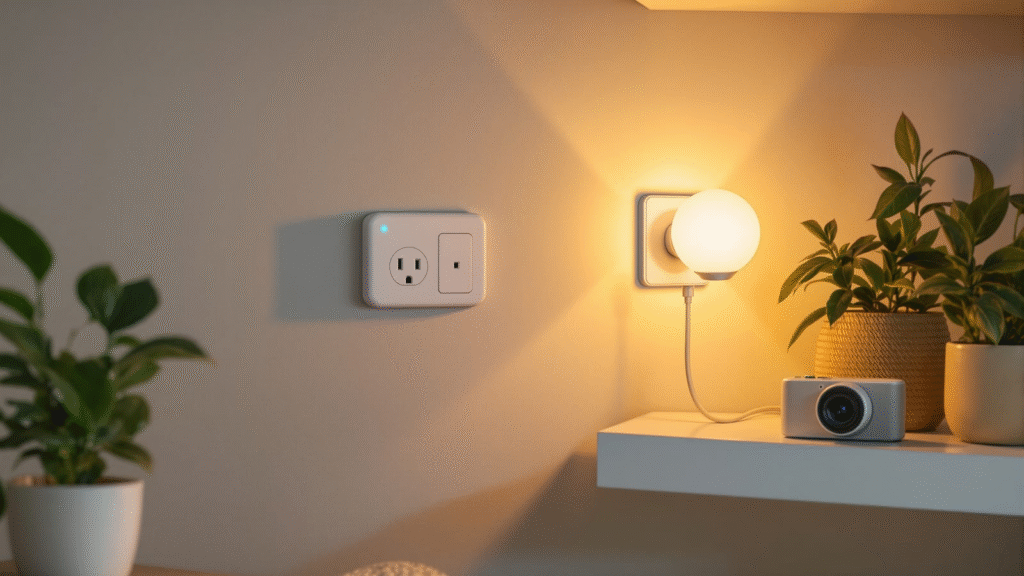
A system that works on top of existing accesses is much easier to adopt. SOLO copies the compatible remote and does not disable the other remotes that still circulate. DORY focuses on the door cylinder and keeps the mechanical key. PAD adds a PIN with no wiring on the gate controller. LINK stays optional and is only needed when you want remote control or smart integrations. No drilling, no cabling, no installer required for the standard cases.
The result is a progressive smart home: you can improve the way you enter and leave without imposing the same change on everyone else. People who prefer a smartphone use it, anyone who wants to keep using a remote or a metal key can do so, and the administrator of the device keeps full control of the shares.
making the gate or garage smart
For most people, the easiest way into a smart home is to replace the gate remote with a smartphone. 1Control SOLO is built for exactly this: it is a Bluetooth smart gate opener that copies the signal of your original remote and replays it when an authorised user sends the command from the 1Control app.
The practical difference compared to generic add-on modules is concrete: SOLO is not wired into the gate controller, needs no cabling and does not require an electrician in the standard setup. It runs on type-C alkaline batteries with an average life of about two years, and talks to the smartphone over Bluetooth Low Energy. For local opening, no internet connection is needed.
SOLO is compatible with more than 800 remote models, both fixed-code and rolling-code. Before you order it is still worth checking your specific model — the device works by copying the existing remote, so compatibility matters. Once the signal is copied, your original remote keeps working: the smartphone is added alongside, it does not replace what you already use. If you want to dig deeper, there is a dedicated guide on smart gate openers and a practical walk-through on how to open the gate with your phone without a remote.
How PhoneWatch’s Smart Home Alarm System works
With the PhoneWatch smart home alarm system you can turn your alarm on or off, set timers for your lights and devices, and see, hear and talk to your family at home. All of this can be done from the PhoneWatch app on your phone. You can control all the following devices as well as receive notifications:
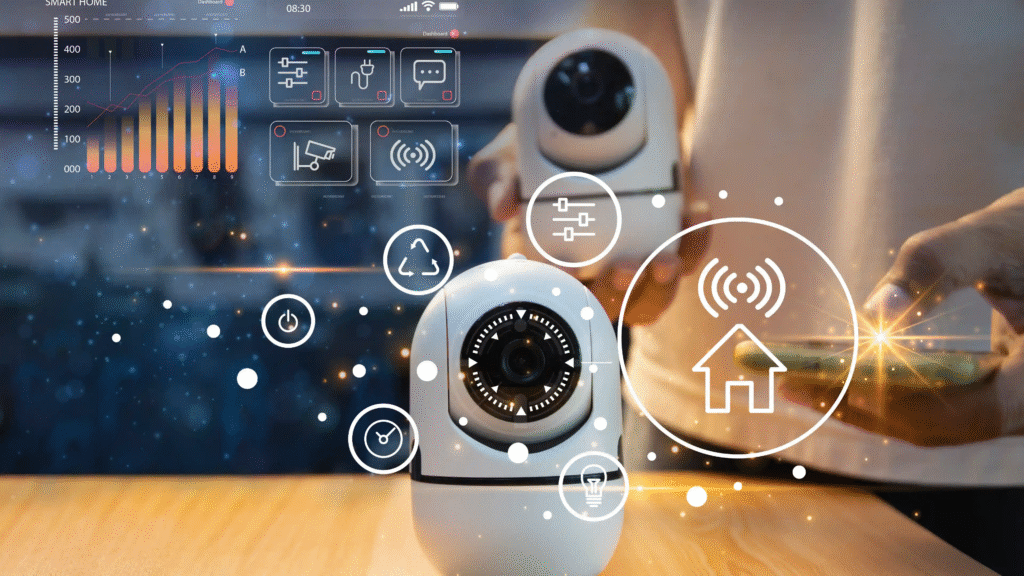
- PhoneWatch Doorbell Camera: Get notified on your phone when somebody is at the door, and you can respond from your phone.
- PhoneWatch Security and CCTV Cameras: Get a notification when the camera is triggered by motion and see what has triggered it from the PhoneWatch app
- PhoneWatch Smart Plug: Set up automation sequences from the PhoneWatch app to turn on and off appliances.
- PhoneWatch Smoke Sensor: The PhoneWatch Alarm Receiving centre will be notified as well as you when the smoke alarm detects smoke in your home.
- PhoneWatch PIR cameras and Motion Sensors: Your app will get a notification as well at the PhoneWatch Alarm Receiving Centre when motion is detected near the camera and motion sensors. Our smart alarm system is monitored so our agents will then contact you and/or the emergency service
FAQ’S
1. What is a smart home?
A smart home uses connected devices such as smart lights, thermostats, cameras, locks, and appliances that can be controlled through a smartphone, voice assistant, or automated routines.
2. What are the most useful smart home devices?
Popular options include smart lighting, smart speakers, security cameras, video doorbells, smart plugs, thermostats, and smart locks. The best devices depend on your needs and budget.
3. How do I start building a smart home?
Start with one or two useful devices, choose a compatible smart-home platform, connect them to your home network, and gradually add more devices as needed.
4. Can smart home technology help reduce energy costs?
Yes. Smart thermostats, lighting, plugs, and energy-monitoring devices can help reduce unnecessary energy use by allowing better control and automation.
5. Is smart home technology difficult to set up?
Many modern smart home devices are designed for easy installation and setup. Most can be connected through a mobile app and configured with simple step-by-step instructions.