
Microsoft Windows 11 represents a major shift in how Windows looks, feels, and works. Rather than being just another update, Windows 11 focuses on modern design, better productivity, stronger security, and improved performance across devices. Whether you are a casual user, professional, student, or gamer, Windows 11 brings noticeable changes that impact everyday use.
This guide covers Windows 11 features, system requirements, performance improvements, and important details you should know before upgrading.
What Is Microsoft Windows 11?
Windows 11 is Microsoft’s latest desktop operating system, designed to deliver a cleaner interface, smarter multitasking, and tighter hardware integration. It builds on the foundation of Windows 10 while introducing visual upgrades and behind-the-scenes improvements that make systems feel faster and more responsive.
Key Features of Windows 11
New and Modern Design
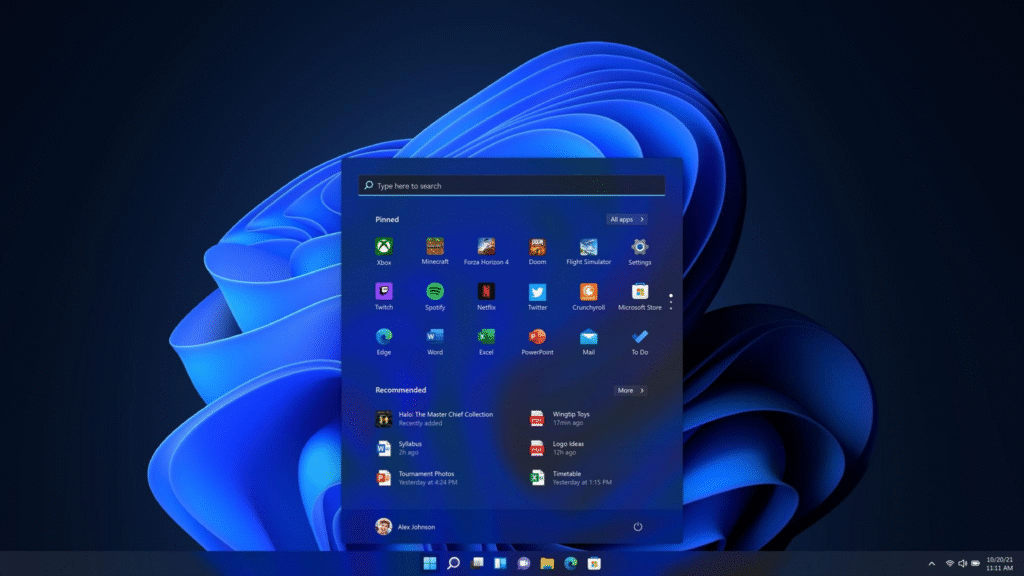
Windows 11 introduces a refreshed interface with rounded corners, softer animations, and a centered Start menu. The design feels cleaner and less cluttered, helping users focus on what matters.
Key design changes include:
- Center-aligned Start menu and taskbar icons
- Redesigned Settings app
- Improved dark mode and theme consistency
Enhanced Multitasking with Snap Layouts
Multitasking is one of Windows 11’s strongest upgrades. Snap Layouts allow users to quickly organize open windows into predefined layouts, making it easier to work on multiple tasks at once.
Snap Groups also remember your window arrangements, so you can return to your workflow instantly after switching apps or displays.
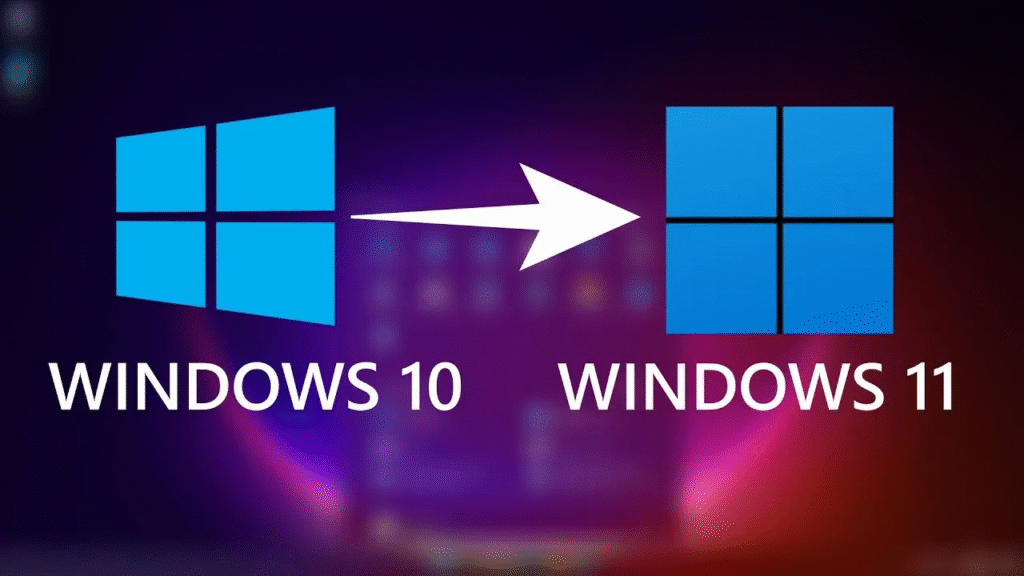
Performance and Speed Improvements
Windows 11 is optimized to run faster and more efficiently, especially on newer hardware. Applications launch quicker, sleep-to-wake times are improved, and system resources are managed more effectively.
These improvements help laptops achieve better battery life while desktops benefit from smoother performance.
Gaming Enhancements
Windows 11 is built with gaming in mind. Features like DirectStorage and Auto HDR improve load times and visual quality for supported games.
Gamers can expect:
- Faster game loading
- Better graphics performance
- Deeper Xbox integration
Security Upgrades
Security is a major focus in Windows 11. Microsoft requires modern hardware features to protect users from firmware-level attacks and malware.
Security highlights include:
- TPM 2.0 requirement
- Secure Boot enabled by default
- Improved hardware-based protection
These changes make Windows 11 one of the most secure Windows versions to date.
Microsoft Windows 11 System Requirements
Before upgrading, it’s important to check whether your PC meets the minimum system requirements.
Minimum Requirements:
- Processor: 1 GHz or faster, compatible 64-bit processor
- RAM: 4 GB
- Storage: 64 GB or more
- System Firmware: UEFI with Secure Boot
- TPM: Trusted Platform Module version 2.0
- Graphics: DirectX 12 compatible
- Display: 9-inch or larger, 720p resolution
These requirements ensure better performance and security but may prevent some older PCs from upgrading.
Windows 11 Software and App Support
Windows 11 supports almost all Windows 10 applications, ensuring a smooth transition for most users. Microsoft has also improved the Microsoft Store, making it faster and easier to find apps.
Popular productivity, creative, and professional software works seamlessly on Windows 11.
Windows 11 for Work and Productivity
Windows 11 is designed to support hybrid work environments. Features like virtual desktops, Microsoft Teams integration, and improved window management make it easier to stay productive whether working from home or the office.
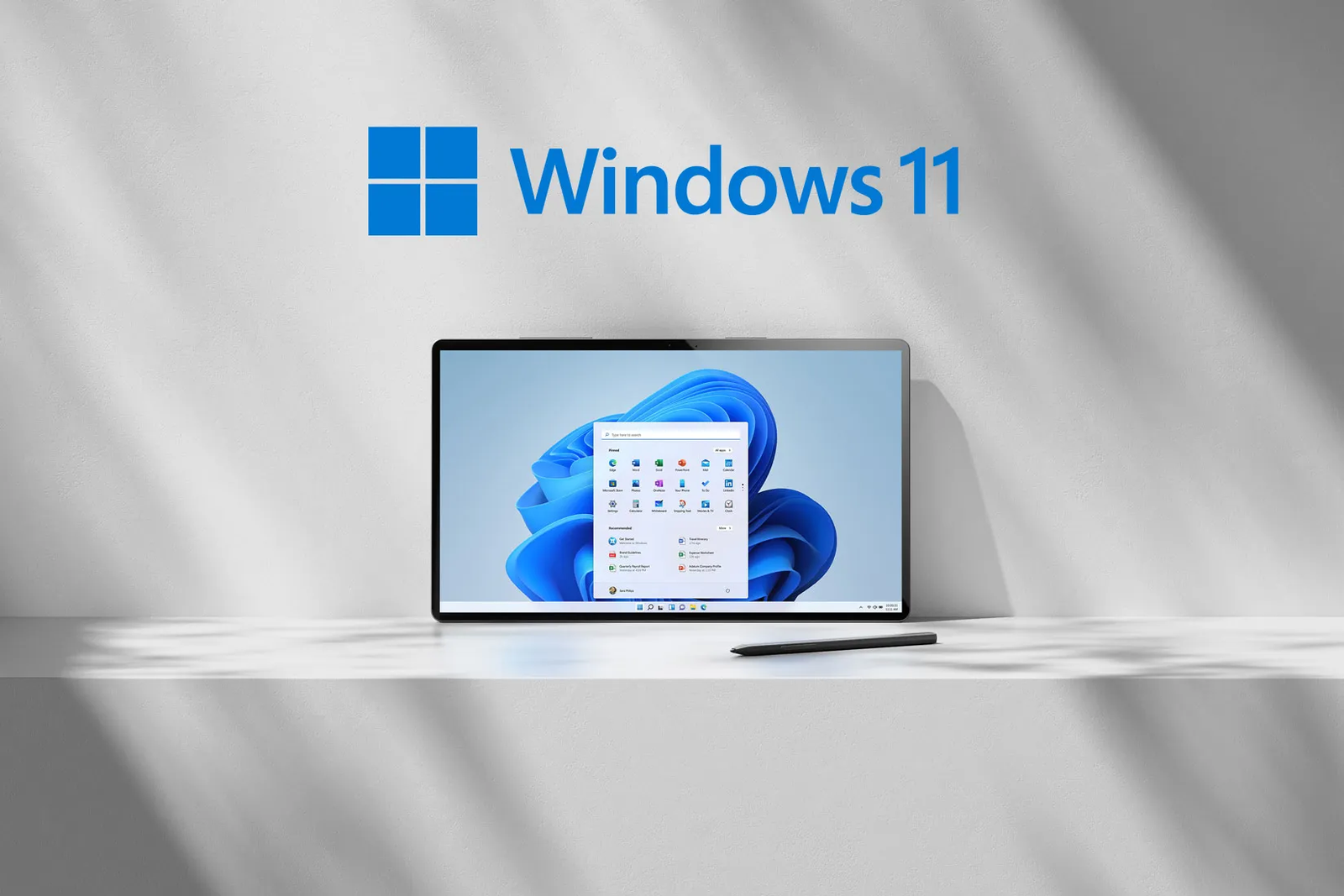
Should You Upgrade to Windows 11?
Windows 11 is ideal if:
- Your PC meets the system requirements
- You want better performance and security
- You prefer a modern, clean interface
However, users with older systems or those satisfied with Windows 10 may choose to wait, as Windows 10 continues to receive support for now.
Microsoft Windows 11: Features, System Requirements, and Everything You Need to Know
Microsoft Windows 11 represents a major shift in how Windows looks, feels, and works. Rather…
Final Thoughts
Microsoft Windows 11 is more than a visual refresh. It delivers meaningful improvements in performance, security, multitasking, and user experience. While the stricter system requirements may limit upgrades for some users, those with compatible hardware will benefit from a faster, more modern, and more secure operating system.
For most users, Windows 11 is a solid step forward and a clear indication of Microsoft’s long-term vision for the Windows platform.
This article is for informational purposes only. Features, system requirements, and availability may change based on Microsoft updates or regional policies. Always refer to official Microsoft documentation before upgrading your device.
#Windows11 #MicrosoftWindows #WindowsFeatures #WindowsUpdate #PCOperatingSystem #TechGuide #MicrosoftOS #Anslation #Carrerbook
Microsoft Windows 11: Features, System Requirements, and Everything You Need to Know
Microsoft Windows 11 represents a major shift in how Windows looks, feels, and works. Rather…

iPhone 18 Pro Max Expected Features (Price, Launch, Camera & More) You Need to Know
Apple’s Pro Max lineup has always represented the very best the company has to offer,…
iPhone Air 2 Rumors: What We Know So Far
Apple fans are no strangers to leaks, speculation, and long stretches of waiting, and the…
Is Apple Launching a Foldable iPhone in 2026? Complete Rumor Breakdown
The smartphone industry has been buzzing with speculation about Apple finally joining the foldable phone…
Latest iPhone Leaks and Rumors: What’s Coming in 2026
Every year, Apple enthusiasts eagerly await news about the next iPhone. As 2026 approaches, rumors…
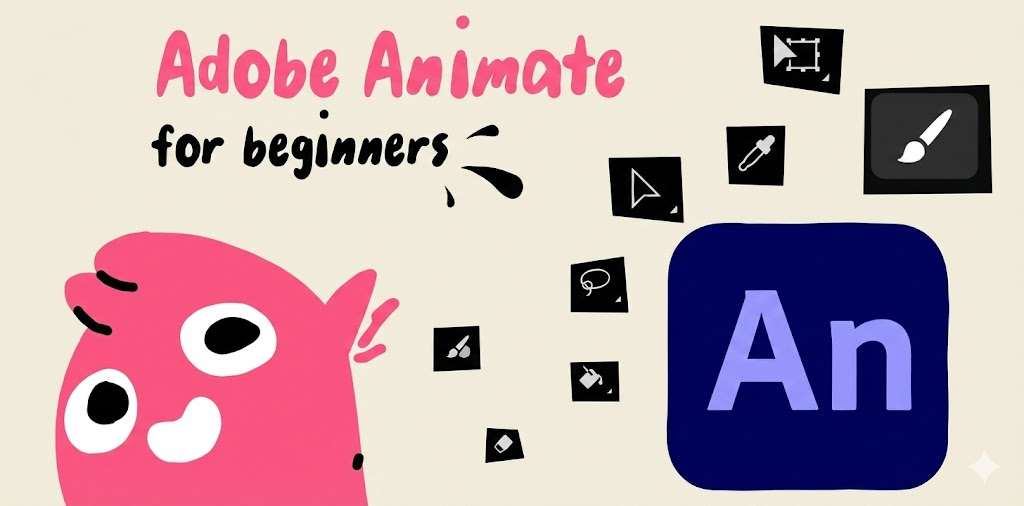
Adobe Animate Software Explained: Everything You Need to Know
Adobe Animate is a popular animation and multimedia design tool used by artists, designers, educators,…