
In today’s fast-paced creative world, having the right tools can make all the difference. Whether you’re a graphic designer, UI/UX professional, digital artist, or even a social media creator, the tools you use can either elevate your work or slow you down. The good news? Right now, there are some incredible design tools that are not only powerful but also intuitive, helping creators bring ideas to life faster and smarter than ever.
Here’s a roundup of the must-have design tools you need to know about in 2025.
1. Canva – Design Made Simple
Canva has grown far beyond just templates for social media posts. It’s now a versatile platform for creating presentations, marketing materials, logos, and even simple videos.
Why creatives love it:
- Drag-and-drop interface for quick designs
- Thousands of pre-made templates
- Collaboration features for teams
- Affordable free version and scalable paid plans
If you’re looking for something fast and beginner-friendly, Canva is a no-brainer.
2. Adobe Creative Cloud – The Professional Standard
Adobe remains the gold standard for serious designers. Photoshop, Illustrator, After Effects, and XD cover nearly every creative need imaginable.
Why it’s essential:
- Industry-standard software trusted worldwide
- Powerful features for detailed, professional work
- Integration between apps makes workflow seamless
While it has a steeper learning curve, the results are unmatched for professionals who want full control over their designs.
3. Figma – Collaborative UI/UX Design
For web designers and app developers, Figma is a game-changer. It allows multiple team members to work on the same project in real-time.
Top features:
- Cloud-based, so no installation hassles
- Real-time collaboration for remote teams
- Prototyping tools built in
- Plugins to extend functionality
If you’re designing apps or websites, Figma makes the process smooth and efficient.
4. Procreate – Drawing and Illustration Freedom
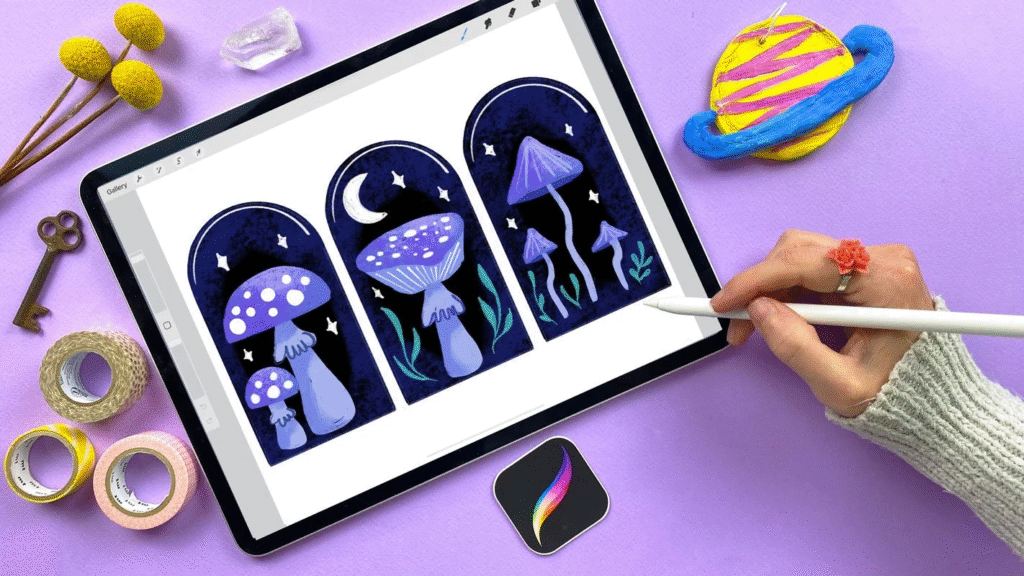
Digital illustrators and artists swear by Procreate. With a responsive interface and a vast set of brushes, it’s perfect for sketching, painting, and digital art.
Why it stands out:
- Optimized for iPad with Apple Pencil
- Intuitive layer management and brush customization
- Affordable one-time purchase
- Huge online community for tips and resources
It’s like carrying a professional art studio in your tablet.
5. Affinity Designer – A Budget-Friendly Alternative
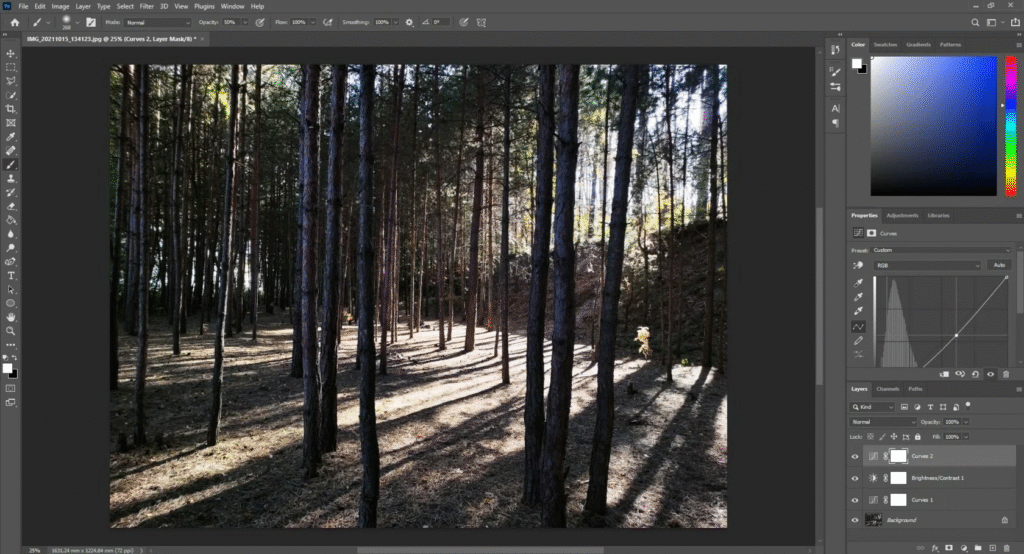
If you want Adobe-level power without subscription fees, Affinity Designer is a strong alternative. Perfect for vector and raster graphics, it’s flexible and precise.
Benefits include:
- One-time purchase instead of subscription
- Smooth workflow for vector illustrations and print designs
- Cross-platform for Mac, Windows, and iPad
It’s a great choice for freelancers or hobbyists who need professional results without breaking the bank.
6. Notion – Organize Your Creative Projects
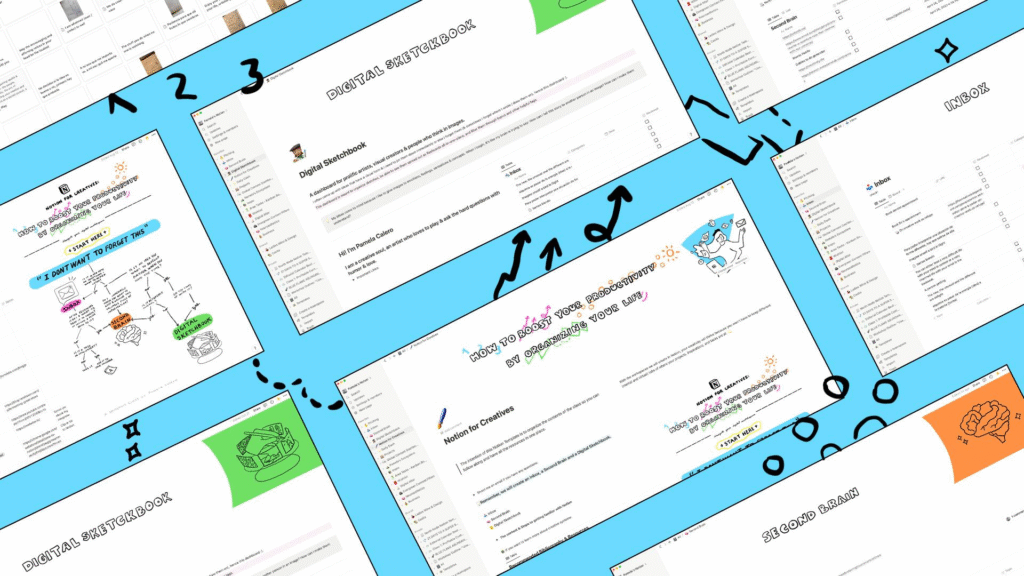
While not a design tool per se, Notion has become essential for creative workflows. It helps you organize projects, collaborate with clients, and track ideas all in one place.
Why designers love it:
- Customizable boards, calendars, and templates
- Collaboration and feedback tracking
- Keeps ideas and assets in one organized hub
A little organizational magic goes a long way in creative projects.
7. Blender – 3D Design and Animation
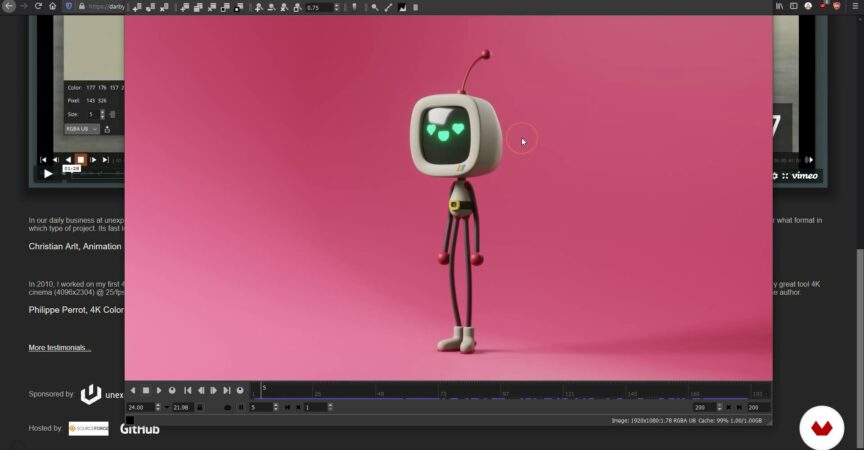
For designers stepping into 3D modeling or animation, Blender is an open-source powerhouse. From 3D assets to animation sequences, it’s a full creative suite.
Highlights:
- Free and open-source
- Strong modeling, sculpting, and rendering tools
- Huge community and tutorials
- Used for games, movies, and visual effects
It’s perfect for anyone ready to explore the next dimension in design.
Final Thoughts: Equip Yourself for Creative Success
Having the right tools isn’t about having every shiny new app—it’s about choosing ones that complement your workflow and enhance your creativity. From Canva’s simplicity to Blender’s depth, today’s creative landscape offers tools for every style, skill level, and project type.
Whether you’re starting out, scaling your freelance business, or working in a professional studio, these design powerhouses can help you create better, faster, and smarter. Equip yourself with the right tools and watch your ideas come to life like never before.
This blog is based on personal opinions and general experiences with design tools. Features, pricing, and availability may change over time. Always check the official websites for the most accurate information before purchasing or subscribing.
#DesignTools #CreativeTools #GraphicDesign #UIUXDesign #DigitalArt #DesignSoftware #CreativityBoost #DesignerLife #TechForDesigners #CreativeWorkflow #Anslation #Carrerbook