
Choosing the right design tools can feel overwhelming — especially today, when new apps and platforms seem to launch every month. Whether you’re a beginner exploring your creative side or a professional designer refining your workflow, the tools you use can directly influence your productivity, creativity, and the final quality of your work.
This guide breaks it all down in a simple, practical way. By the end, you’ll know exactly what to look for—and which tools actually fit your style of work.
Why the Right Tools Matter
Good design isn’t just about talent. It’s also about the tools that help you bring ideas to life efficiently. The right software can:
- Save hours of manual work
- Help you stay organized
- Improve the quality of your visuals
- Make collaboration smoother
- Boost creativity with the right features
On the other hand, using the wrong tools can slow you down or limit what you’re able to create. So let’s look at how to choose wisely.
1. Understand Your Design Needs
Before diving into any specific tool, take a moment to think about what you actually need it for. Every designer works differently, and the best tool for someone else might not be the best one for you.
Ask yourself:
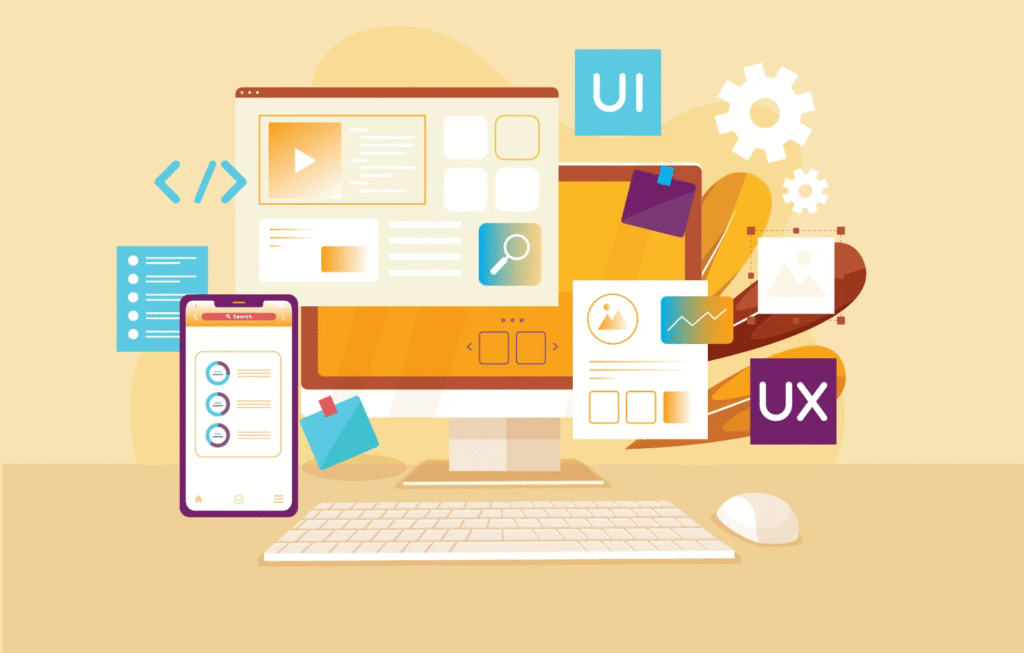
- What type of design work do I do? (Branding, UI/UX, illustration, web design, social media graphics, etc.)
- Do I need a tool that’s simple or advanced?
- Will I work alone or with a team?
- Am I designing for print, digital, or both?
Clarity here makes the entire decision process easier.
2. Consider Your Skill Level
Some tools are designed for beginners, while others cater to advanced professionals.
- If you’re new to design, you’ll want tools with simple interfaces and lots of templates.
- If you’re more experienced, you may need advanced features like vector editing, prototyping, or animation capabilities.
Choosing a tool that matches your skill level ensures you don’t feel overwhelmed—or underwhelmed.
3. Look at Your Budget
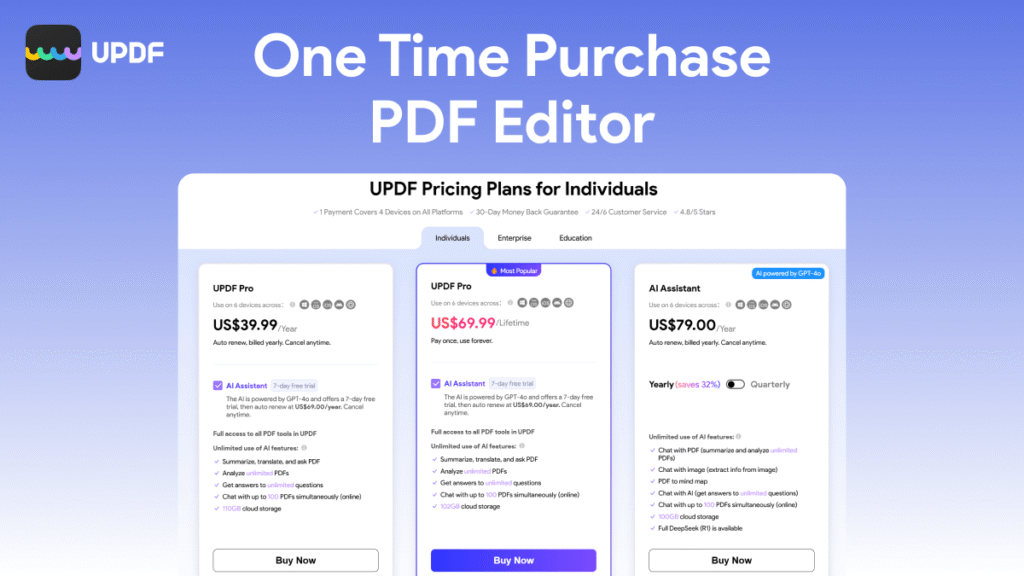
Design tools vary widely in price. You’ll find:
- Free tools (great for beginners or lightweight projects)
- One-time purchase tools
- Subscription-based tools (common for professional software)
Ask yourself how much you’re willing to invest and whether the features justify the cost. Sometimes a free tool is all you need. Other times, the paid version is worth every penny.
4. Prioritize Features That Matter Most
Here are some features to consider depending on your design goals:
Graphic Design
- Vector editing
- Layer control
- Brush customization
- Typography tools
- File exporting options
UI/UX Design
- Prototyping
- Wireframing
- Collaboration tools
- Design system support
Branding & Marketing
- Templates
- Quick editing
- Asset libraries
- Social media formatting
Make a list of must-have features and use it to evaluate each tool.
5. Think About Collaboration Needs
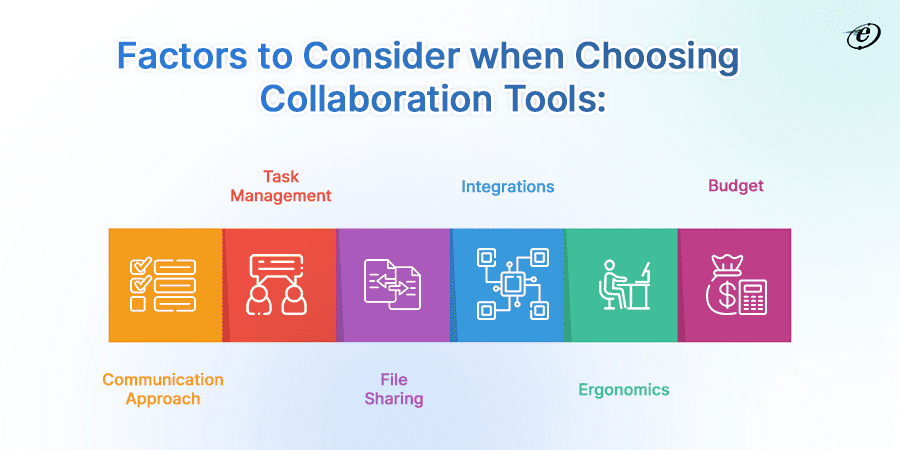
If you work with others—clients, teammates, or developers—your tools should support easy sharing and collaboration.
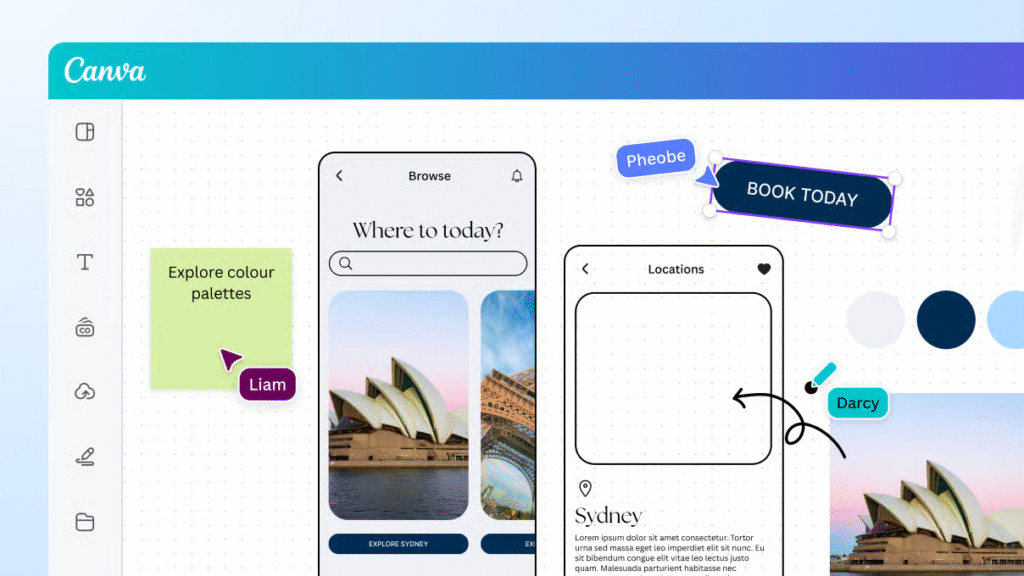
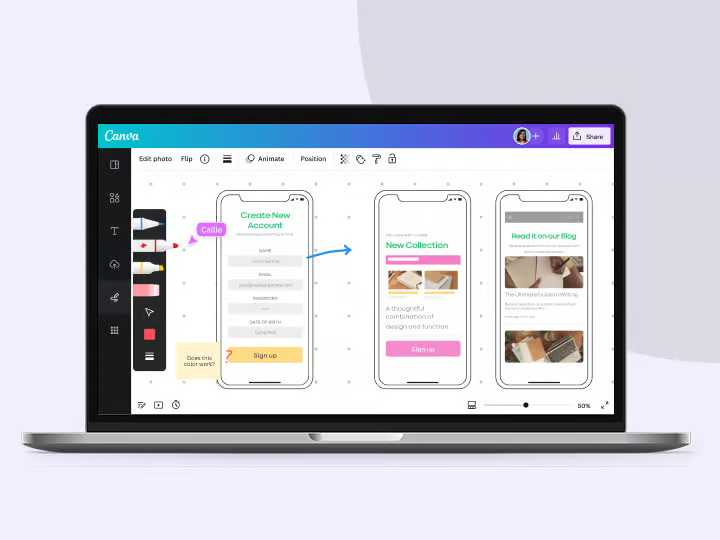
Cloud-based tools like Figma or Canva make teamwork incredibly smooth because everyone can access and comment on designs in real time. For solo designers, offline tools may be more than enough.
Final Thoughts
Choosing the right design tools isn’t about picking the most expensive or the most famous option. It’s about finding the tools that align with your style, your workflow, and the kind of work you want to create.
Start with your needs, try out a few options, and trust your instincts. The right tools will feel natural, empower your creativity, and help you do your best work.
This blog is based on personal experience and general industry knowledge. Tools and features mentioned may change over time, so always check the official websites for the most updated information. All opinions are for informational purposes only.
#DesignTools #GraphicDesign #UIDesign #UXDesign #CreativeTools #DesignTips #DigitalDesign #DesignerLife #CreativityUnlocked #DesignWorkflow #Anslation #Carrerbook